Make your Figma designs AI-ready.
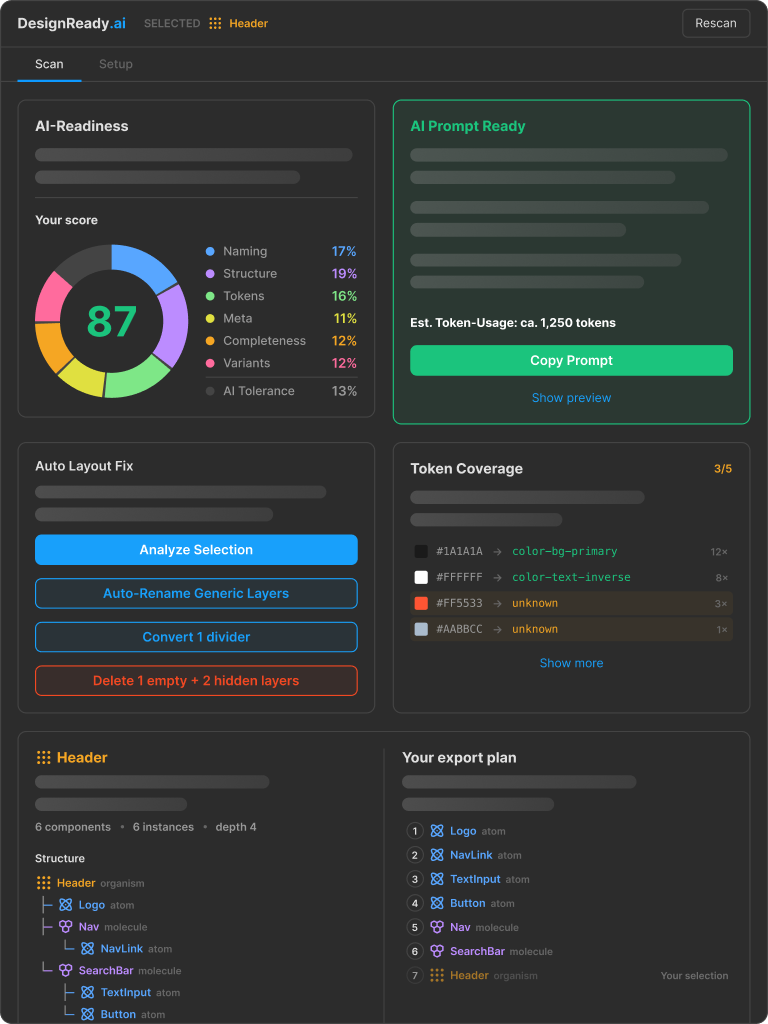
DesignReady scores your components across six dimensions, fixes common issues, and generates structured code prompts. It runs fully offline, with no accounts and no API keys.
AI code is only as good as your Figma
AI tools turn Figma into code. When layers are unnamed, structure is loose, and tokens are missing, the generated output drifts from your intent.
The time you saved on handoff goes back into cleanup. DesignReady catches these gaps in the design, before a single line is generated.
Scan, fix, prompt
Three steps from a rough design to a prompt an AI can build from.
-
1. Scan
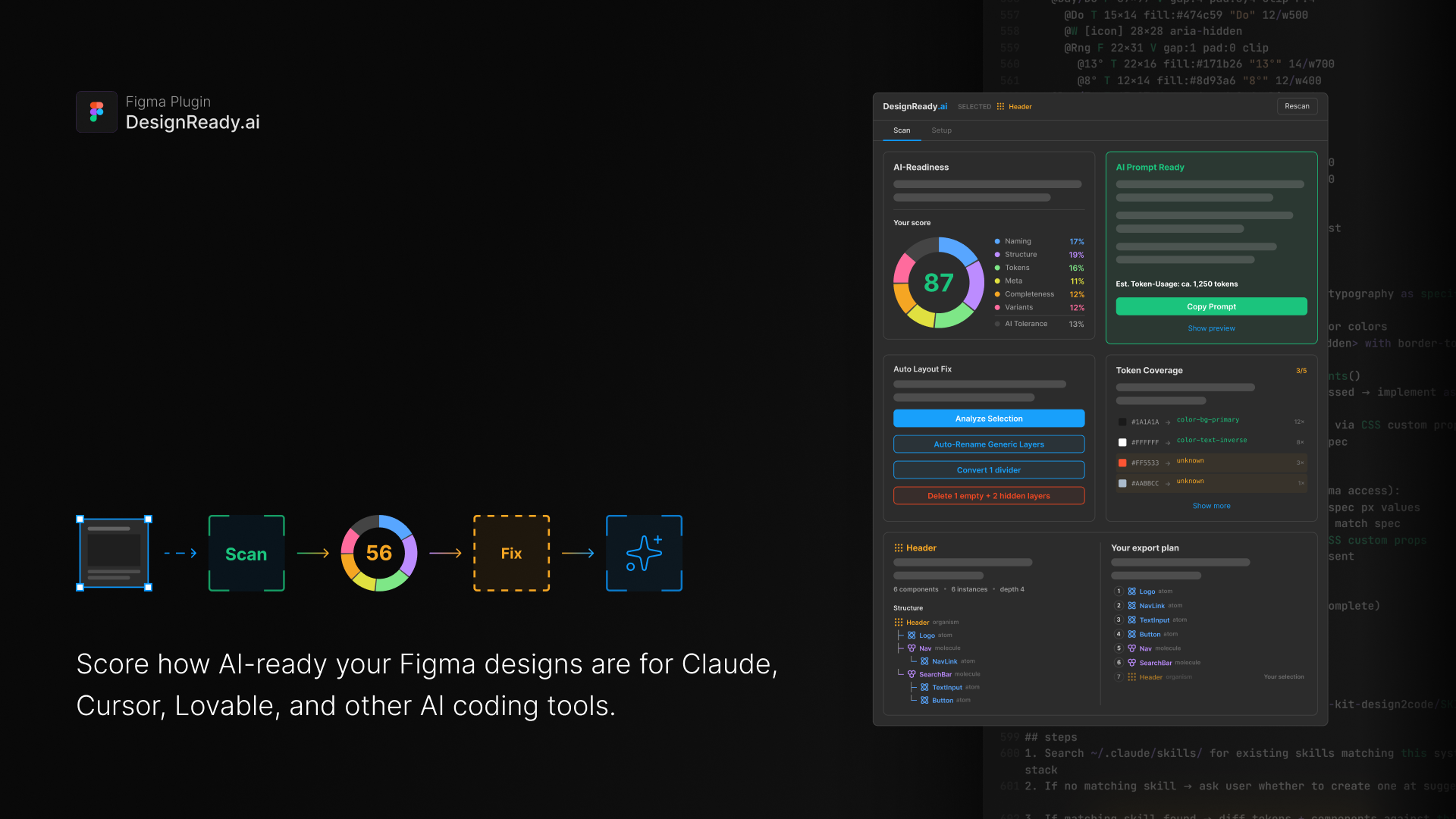
Run DesignReady on a component or a whole selection. It scores six dimensions and shows what holds the design back.
-
2. Fix
Apply quick fixes: auto-rename layers, convert dividers, remove hidden and empty nodes, and optimize Auto Layout with one click.
-

3. Prompt
Once a component scores 75 or higher, export a token-optimized prompt with the full spec, a self-check block, and state hints.
What DesignReady does
Six capabilities that take a component from rough to ready.
-
Score & Fix
Detailed scoring with one-click quick fixes: auto-rename layers, divider conversion, and removal of hidden or empty nodes.
-
Auto Layout Fixes
Confidence-based analysis with one-click apply. It works bottom-up, skips icons and overlaps, and lists low-confidence frames with reasons.
-
Batch Mode
Analyze many components at once in atomic build order: atoms first, then molecules, then organisms.
-
Skill Sync
The generated prompt can create or update a skill file, so your design system documentation keeps improving over time.
-
Design System Profiles
Import tokens from Figma Variables, paint styles, or local components to score against your own system.
-
Prompt Generation
Token-optimized prompts with the full component spec, a self-check block, and state hints. Ready at score 75, or 60 in batch.
Runs fully offline
DesignReady works entirely inside Figma. There is nothing to connect and nothing to send.
-
No API keys
Nothing to configure and no secrets to manage. The plugin does the work on its own.
-
No accounts
No sign-up and no login. Open the plugin and start scoring.
-
No network
DesignReady runs inside Figma. Your designs never leave your machine.
Open source, top to bottom
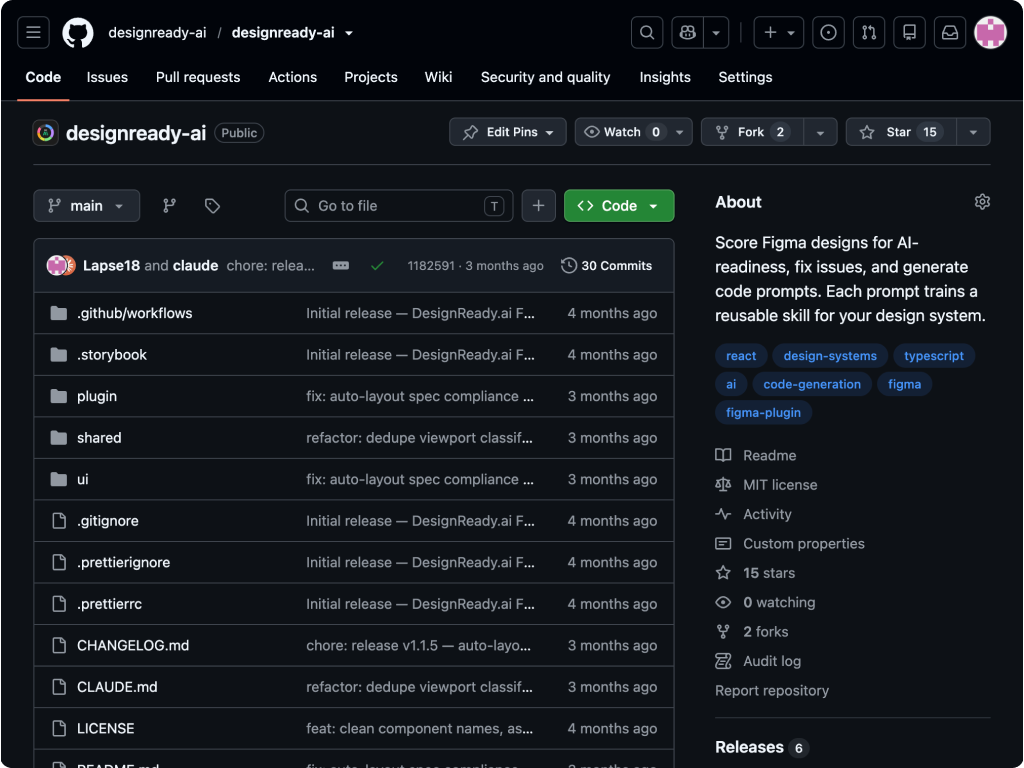
The full plugin lives on GitHub under the MIT license. Read the code, open an issue, or send a pull request.
Install DesignReady
Score your next component in minutes. Free, open source, and offline.